VenueWiki now works in Muse
You can now connect Muse, Meta's AI app, straight to VenueWiki. Muse is available in Australia, and once it's connected you can ask it about a venue's specs, like where the flipcharts are stored, and it reads the answer from VenueWiki.
How to connect
In Muse, add a custom connector. Paste this address:
https://venuewiki.net/api/mcp
Choose Streamable HTTP with OAuth sign-in, then sign in with your VenueWiki account.
Or paste this into Muse:
"Create a custom connector called VenueWiki using Streamable HTTP at https://venuewiki.net/api/mcp with OAuth sign-in"
It's the same address you already use for Claude, ChatGPT and Grok, and you'll find it on your profile.
I wrote more on what the connection can do in Connect your AI.
What you can ask
Once Muse is connected, ask it about a venue. In the screenshot below I asked where I could find flipcharts while I was at a venue, and Muse came back with the locations from the venue's cards, including that those cards are venue-tech only and not yet reviewed.
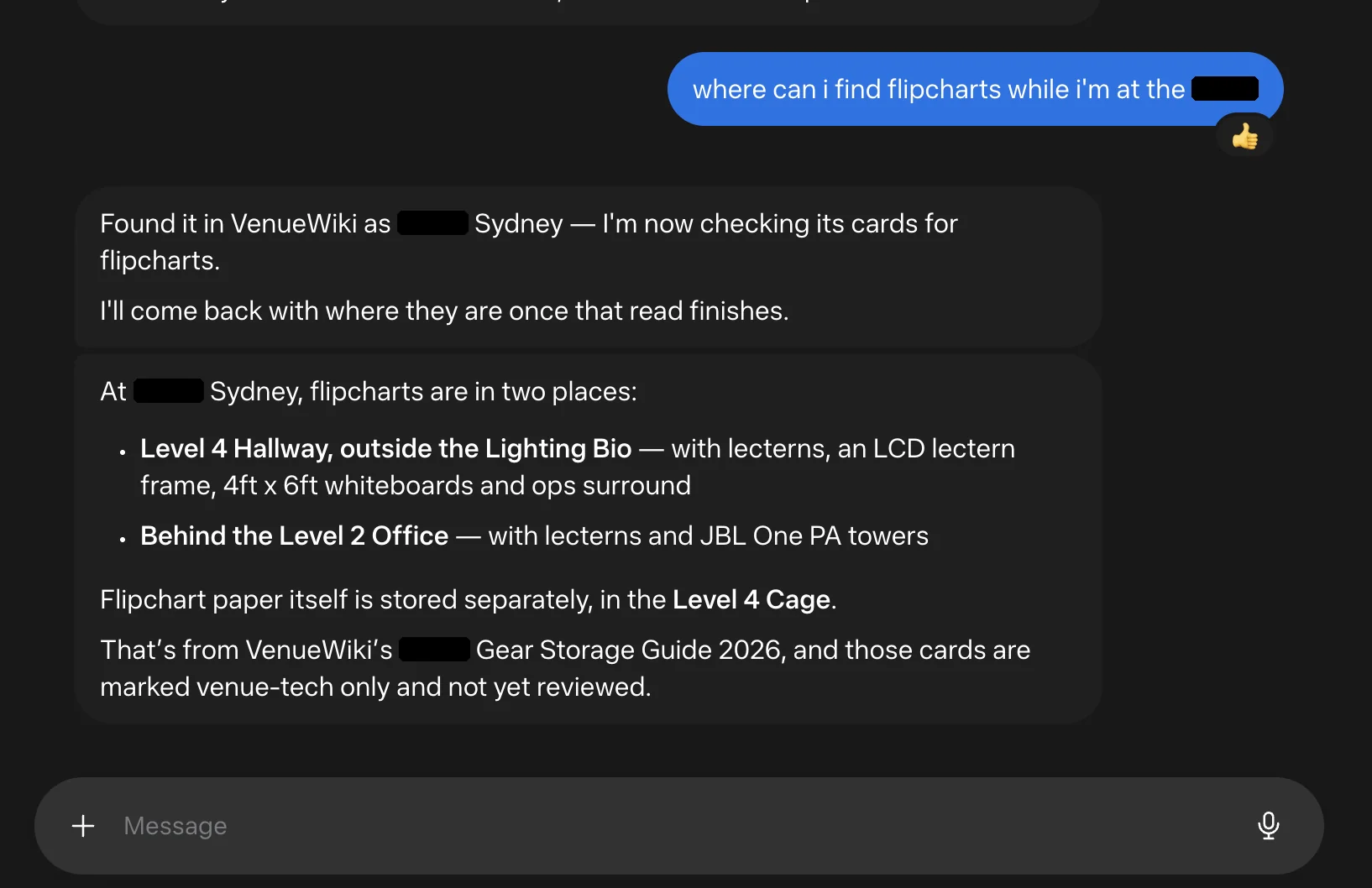
Muse finding flipcharts at a venue, venue name hidden.
Answers come from venue cards, and Muse shows whether those cards have been reviewed.
FAQ
Do I need a different address for Muse? No. Muse uses the same VenueWiki address as Claude, ChatGPT and Grok.
Does Muse put anything live on VenueWiki? No. Anything an AI sends in still lands as a suggestion and goes through the same review as anything typed on the site. I explained that in Connect your AI.
What can I read? Access follows your membership. The plans are on the pricing page.
Muse and Meta are trademarks of their owners. VenueWiki isn't affiliated with or endorsed by them.
Swipe, tap a bottle on the shelf, or use the arrow keys to move along the shelf.